
 Mon – Fri · 8:30am-12:30pm / 1:30pm-5:30pm
Write to support
Our team replies by email Monday to Friday, from 8:30am to 12:30pm and from 1:30pm to 5:30pm.
Fill in the form → 7 days a week · 7am-9pm
Call us
Our customer support is open 7 days a week, from 7am to 9pm, for any urgent issue related to using the charging stations.
Call +33 7 44 09 78 75 →FAQ
Frequently asked questions
Charging, payment, RFID badges, receipts: answers to the questions drivers ask us most often.
Can I book a charging station in advance?
Whether you can book a charging session depends on the mobile app you use.
Check in your apps whether this option is available, and select the charging stations you are interested in.
How much does charging cost?
Pricing information is displayed on the station screen, in the “Cost details” tab (tap the $ symbol), as well as in the Autel Charge mobile app and in your mobility operator’s app.
Please note that HELLOSPARK does not set the prices charged by mobility operators, who choose their own rates, including their margin.
Billing may be based on:
- Energy consumed (per kWh): For example, €0.60/kWh or €0.30/kWh depending on the time of day.
- Connection fees: A fixed fee per session may apply. For example, €1 per session started.
- Idle fees: For example, after 2 hours of inactivity once charging has finished, a penalty of €0.02 per minute may apply.
How long does it take to charge my vehicle?
Charging time depends on several factors:
- – The battery capacity of your vehicle.
- – The power of the charging station: Our sockets have a rated output of 22 kW. Power may be reduced due to technical constraints, or if several vehicles are charging at the same time
- – The maximum charging capacity of your vehicle.
- – The current charge level of your battery.
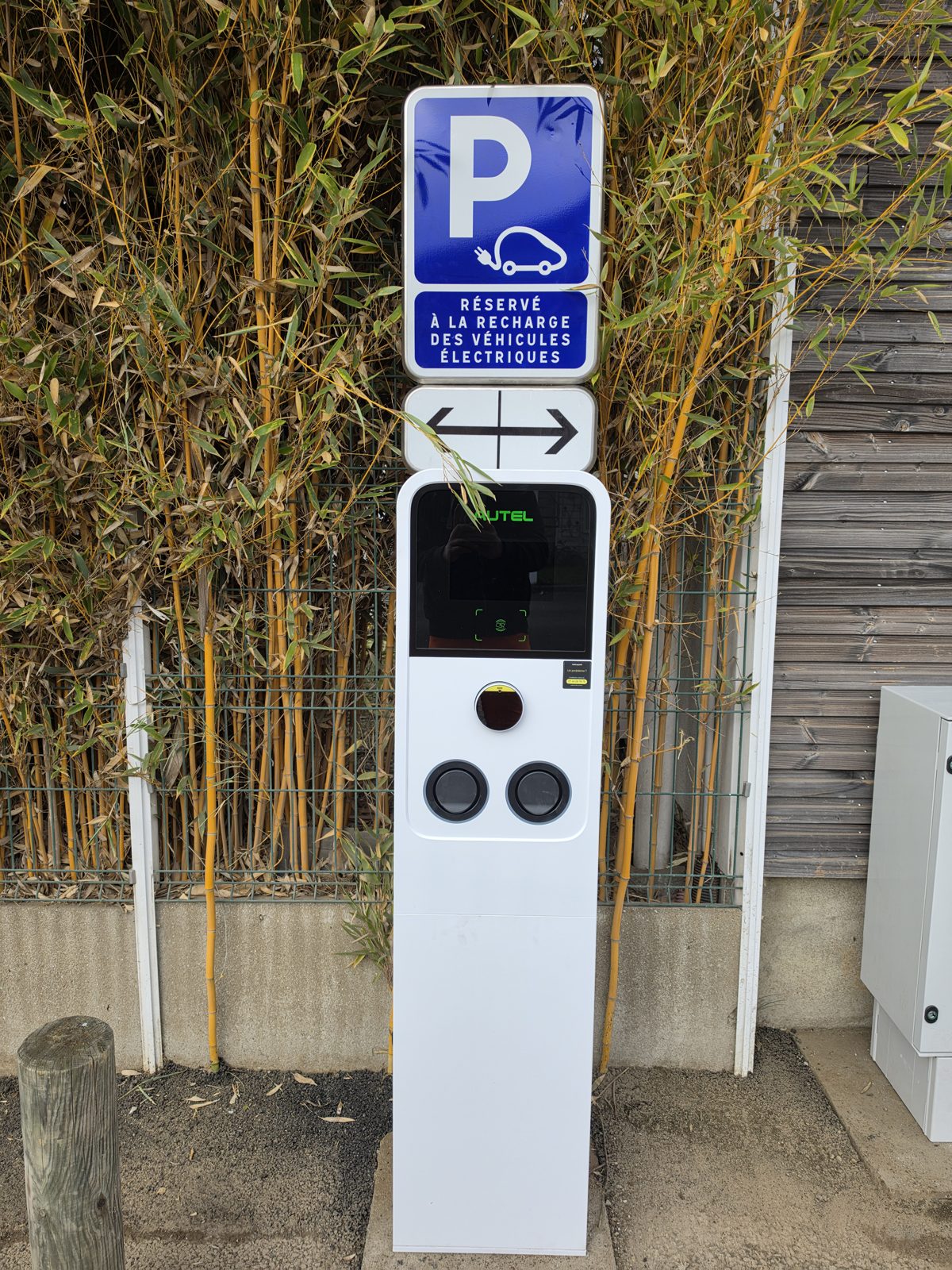
The station screen (MaxiCharger AC Wallbox or AC Ultra) shows charging progress in real time, including energy consumed, duration, current cost, power, voltage and current. This information is also available in the Autel Charge app, or directly in your vehicle’s app.
What type of cable can I use?
100% of our stations use Type 2 sockets (T2S), the European standard for alternating current (AC) charging. AC charging cables are generally not attached to the station, so you will need to bring and use your own cable.
How do I start a charging session?
Our station screens are generally touchscreens, so feel free to tap the screen, even if it is showing advertising or scrolling information.
To start charging, you usually have several options, depending on the station model:
- With the EVOTA Charge mobile app:
- Download the app (available on Google Play or App Store), create an account, then select the station and tap “Start” on the charging screen.
See the step-by-step guide in pictures
- With an RFID card / badge:
- Hold your compatible RFID card in front of the station’s RFID reader.
- With a QR code:
- Scan the QR code displayed on the station with your phone (on models with a screen) or directly in the EVOTA Charge app to start the session.
- See the step-by-step guide in pictures
- With a credit card:
- Available on stations fitted with a physical payment terminal, or via the web interface by scanning the station’s QR code.
- Scheduled charging:
- If a charging schedule is set in the EVOTA Charge app, the station will automatically start the session at the scheduled time.
- Plug-and-charge:
- If this feature is enabled in the EVOTA Charge app, charging starts automatically once the connector is properly plugged in.
Why is a pre-payment required before charging starts?
A security pre-payment is required to start charging.
The difference is automatically refunded at the end of the charge (some banks may take around 1 to 5 days to process the refund).
If you notice anything unusual, please let us know by email.
How does a payment terminal in KIOSK mode work?
A payment terminal in KIOSK mode is a bank card terminal located near the charging stations rather than on them. One terminal can control several charging stations. If the charging site is equipped with this system and you wish to pay by bank card, here is the procedure:
1) Plug your charging cable into the station and into your vehicle.
2) On the central payment terminal, select the socket you are using and follow the on-screen instructions.
3) Charging starts automatically once the payment is approved.
4) When charging is finished, go back to the terminal you used, select the same socket again and follow the on-screen instructions. The terminal will ask you to scan the bank card used to start charging again. No payment will be taken: it is simply an identity check that allows charging to be stopped.
5) Charging stops, and you can unplug the charging cable from the station and from your vehicle.
Why is my RFID card not working?

Solution 2: Check the map in your mobility app to see whether the selected station is listed. If it is not, our network may not accept your RFID card, or the service you subscribed to may not accept our network. If the station was recently commissioned, RFID payment may be temporarily unavailable.
Solution 3: You should hear a beep when you present the card. If you do not, please give us a call.
Solution 4: If it still does not work, please contact your RFID card’s customer service.
How do I stop a charging session?
To stop a charging session, the methods are similar to those used to start it:
- Wait until the session ends:
- The station will automatically cut the power once your vehicle is fully charged. The charging light will turn solid green, the Autel Charge app will show that the EV is fully charged, and the station screen (if available) will also show that the vehicle is fully charged.
- With the RFID card / badge:
- Present the same card or badge you used to start the session to the RFID reader.
- With the Autel Charge mobile app:
- In the app, tap the “Stop” button on the charging screen.
- Via the station screen or the web interface:
Select the socket, then tap the stop charging button.
Once the session has ended, unplug the cable from your vehicle, then from the station.
How do I get my payment receipt?
You paid by bank card via the physical payment terminal :
Didn’t see the QR code on the terminal to access the website and request a receipt? No problem, you can click here to access it. If you have a problem with the payment receipt website, you can email us via the form.
You paid by bank card via the web interface by scanning the station’s QR code:
A receipt was automatically emailed to the address you were required to enter before starting the charge, once the session ended. If you have a problem, you can email us via the form.
You paid with the EVOTA Charge app:
The receipt is available directly in the EVOTA Charge app, in the charging history menu. You can also request a monthly invoice covering all the selected sessions.
Watch the video tutorial
You paid with an RFID card:
Please contact the EV charging mobility service you subscribed to (ChargeMap, Freshmile, etc.).
You can also enter an email address at the end of the charge to receive your receipt whatever the payment method (except when the station is offline).
What should I do if there is a problem with a charging station (cable stuck, station out of order, etc.)?
If you run into difficulties, follow these steps:
- 1) Check the error message displayed on the station or in the app.
- 2) Try restarting the session, or unplugging and plugging the vehicle back in.
- If the cable is stuck in the vehicle, check your vehicle’s user manual for an emergency release procedure.
If there is no section on this topic, contact your manufacturer’s garage or your roadside assistance.
- If the cable is stuck in the vehicle, check your vehicle’s user manual for an emergency release procedure.
- If your cable is stuck in the station, contact our customer support immediately.
The support number (+33 7 44 09 78 75) is displayed on the station.
Describe the problem precisely and the station concerned (identification number).
Common error messages may include: overvoltage, undervoltage, earth fault, overheating, or residual current detected.
Form
Having other issues?
Leave us your contact details and describe your problem in detail.
Please include the socket and/or session number, the date and time of the event, and the make and model of the vehicle.
Our team will get back to you as soon as possible.